 Venus Future
Your menu and your brand
Add dishes, photos, and choices. Share your menu by link or print a QR code for each table.
Guests scan a QR code to see the menu and order from their phones. Your team uses one dashboard to prepare orders, serve tables, and record payments.
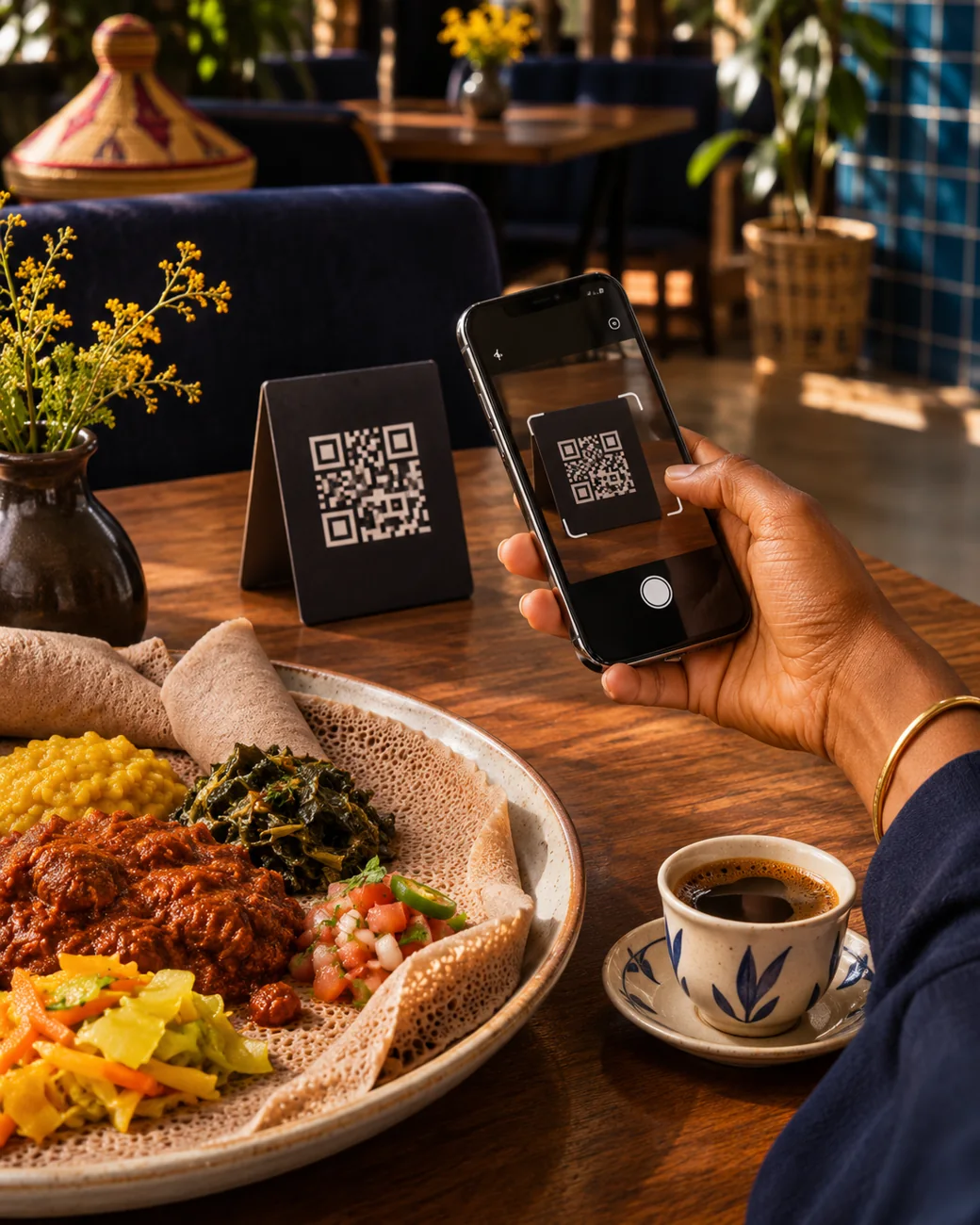
See what the guest, kitchen, and cashier see as the order moves through service.
Sample order
Open the live menu example ↗Add dishes, photos, and choices. Share your menu by link or print a QR code for each table.
Guests can order from the menu. Staff can take walk-in and table orders from the dashboard.
See what needs cooking, what is ready to serve, and which tables asked for help or a bill.
Share a bill QR, apply your tax settings, and record full or partial payments in ETB.
Fix items before preparation or record a later adjustment with a reason. Keep refunds visible on the receipt.
Give each person access for their role. Review your restaurant's orders, collections, and refunds.
Software and learning resources for businesses, schools, and individuals.
Manage students, timetables, grades, and fees.
Open school platform ↗Learn practical digital and programming skills.
Visit Venus Learn ↗Manage patient records, visits, and outpatient services.
View clinic portal ↗Track stock, warehouse activity, and inventory records.
View inventory system ↗Websites for trip planning and booking inquiries.
50lomin ↗ Dreamland ↗Build a CV or get started with Python.
Resume Builder ↗ Python book ↗Guests open the menu in their browser from a QR code or link.
Yes. Each restaurant has its own workspace with its branding, menu, orders, staff, and reports.
Guests can pay using the restaurant's available methods. Staff verify payments in the dashboard. Restaurants can also display payment details or a payment QR on the bill.
Yes. The private bill link shows the order, amount due, and any verified payments or refunds.
Owners can set the tax rate and choose whether the menu price includes it.
Set up your restaurant or ask us about getting your first tables online.